

Why quick commerce platforms in India reject stock and how brands can stop it
Why Blinkit, Zepto and Instamart turn FMCG stock away or count it short: missed slots, short receipts, shelf life, labels and papers, and the fixes.
Your truck reached the platform's warehouse and unloaded. A day later the receipt comes back. Some cases were refused and the count on others is short. The difference comes off your payment.
This guide is for FMCG brands in India that supply quick commerce platforms such as Blinkit, Zepto and Instamart. It covers the five reasons platforms turn stock away or count it short, and a fix for each. It ends with what to do about stock that comes back anyway.
- Purchase order
- Slot booked
- Picked by date
- Counted at loading
- Delivered in the slot
- Platform's count
- Paid on the receipt
- On to their dark stores
1. How your stock reaches a quick commerce platform
For packaged goods you deliver to the platform's warehouse in each city, not to its dark stores. Platforms give it different names: a warehouse, a mother hub or a fulfilment centre. The platform then moves your stock from there to its own dark stores, usually every day.
Each delivery starts with a purchase order. It names the warehouse, the products, the quantities and a date. You book a delivery slot, send the truck and hand the stock over. The platform's team counts what it accepts and records it on a goods receipt note, or GRN. Your payment follows that receipt.
So stock can go wrong in two places. It can be refused at the dock or it can be counted short once it is inside. The next five sections cover both.
2. Missed delivery slots
The truck reaches the platform's warehouse an hour after its slot. The dock is busy with the next supplier. Your truck waits or it is sent back with every case still on board. By the time a new slot opens, the purchase order may have expired, and an expired order is refused.
Slots are booked on each platform's seller portal. One platform's seller guide asks trucks to arrive at least 30 minutes before the slot, with printed copies of the invoice and the order. Slots also run short before festivals and big sales, when every brand is sending stock at once.
How to stop it:
- Book the slot as soon as the purchase order lands.
- Plan the truck back from the slot. Count the loading time, the drive and the queue at the gate.
- Print the papers before the truck leaves.
- Keep stock in each city you supply. An order with a short deadline is easy to miss when the stock is a day's drive away.
We book the delivery slot for each load.
3. Short receipts
You sent 400 cases. The platform's receipt says 392. You are paid for 392 and the other eight become a deduction. Maybe they were never loaded. Maybe they were miscounted at the dock or mixed up with another brand's stock. Without a record of your own, you cannot tell and you cannot argue.
Payment follows the platform's count. The gap comes off what you are paid, on the terms you agreed with that platform.
How to stop it:
- Count every case as it is loaded, against the invoice.
- Photograph the load and the cartons before the truck leaves.
- Send the shipping notice where the platform asks for one, listing each product and its quantity.
- Check each receipt against your own count on the day it comes in. A gap you catch on day one is easier to claim than one you find at month end.
- Keep the signed proof of delivery with the count and the photos.
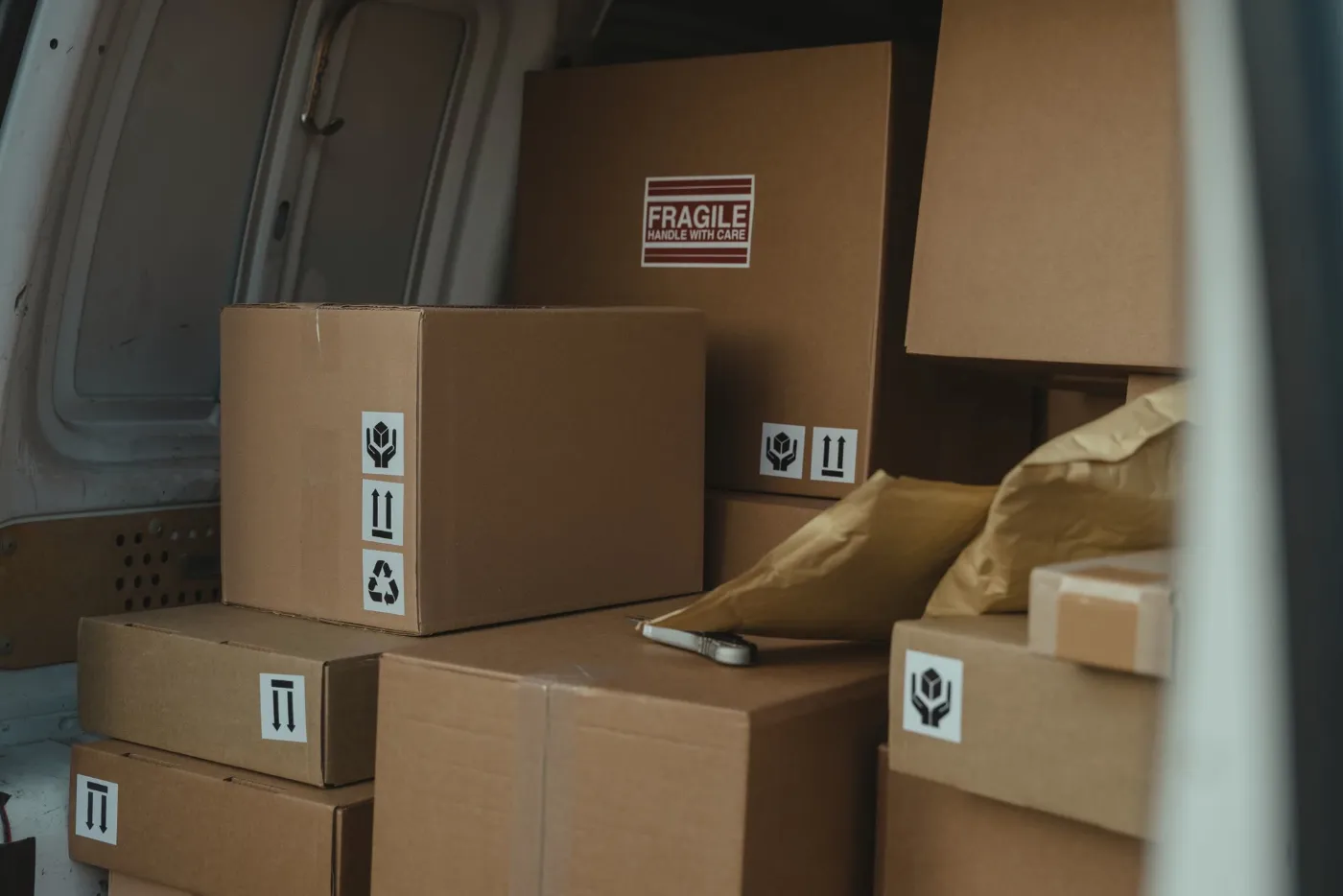
We count every case and take photos as each load leaves us. When the platform's receipt comes in, we match it to what we sent. If the count is short, you have the proof to claim it back.
4. Stock turned back for shelf life
The cases are fine and the count is right, but the receiving team checks the dates. The batch has a few months left and the platform wants more. The whole line goes back on your truck.
FSSAI sets the floor for food sold online. When it reaches the shopper, it must have at least 30% of its shelf life left, or 45 days before expiry. That rule applies at the shopper's door, so it is not the test at the platform's dock. Platforms need time to move the stock to their dark stores and sell it. Each one sets its own stricter limit for the stock it receives.
That limit often differs by category and it changes. It sits in each seller's terms so the figures quoted online disagree. Plan on the one your platform gives you.
How to stop it:
- Ask each platform for its shelf-life limit for each category, in writing.
- Set that limit in your warehouse system for each platform and product.
- Send out the oldest dates first, as long as they pass the limit.
- Hold back stock below the limit before it is picked. Send it to buyers who still take it, such as your distributors.
- Plan production and transfers so the stock for each platform arrives with plenty of life left.
We send out the oldest dates first. Anything below the platform's limit stays back with us.
5. Labels, barcodes and cartons
The receiving team scans a unit and the barcode does not match the listing. Or the MRP on the pack is not the one on the purchase order. Or a carton holds two products where the platform wants one. Any of these can send stock back.
Start with the law. Under the Legal Metrology (Packaged Commodities) Rules, a retail pack must show:
- the name and address of the manufacturer or packer, or of the importer for imported goods
- the country of origin, for imported goods
- the common name of the product and its net quantity
- the month and year of manufacture
- the MRP, inclusive of all taxes
- the unit sale price, such as the price per kilogram
- a phone number and email for consumer complaints
Food packs follow FSSAI's labelling rules as well. They carry the FSSAI logo with the licence number, and the batch or lot number. They also show the date of manufacture or packing and the expiry or "use by" date. A "best before" date can be added but it does not replace the expiry date.
Two rules catch brands out. A sticker cannot change any of these declarations. The one exception is a lower MRP, and even then the sticker must not cover the printed price. And nobody further down the chain may alter the MRP on a pack.
The platforms then add their own checks. The law allows a barcode on the pack but does not demand one. Platforms ask for one on every unit and it has to scan. The MRP, barcode and pack size must match what the platform has listed. Some platforms want one product per carton, with a packing slip showing the purchase order number, invoice number, product code and quantity.
How to stop it:
- Before the first order for a new pack, check its barcode, MRP and pack size against the platform's listing.
- When a price or a pack changes, update the listing before the new stock ships.
- Fix a wrong label at the plant. A sticker will not get it through.
- Keep old and new MRP stock apart in the warehouse so each order gets the price it names.
6. Papers that do not match the purchase order
The truck arrives in its slot with the right stock. But the invoice shows last month's price or it lists a product the order never asked for. The receiving team cannot match the papers to the order. It refuses the load or takes only part of it.
Every delivery needs papers that agree with each other and with the purchase order:
- your tax invoice at the price and quantity on the purchase order
- an e-way bill when the load is worth more than ₹50,000
- an e-invoice if your turnover needs one
- a printed copy of the purchase order
- the shipping notice where the platform asks for one
At least one platform also checks that the place you ship food from holds a valid FSSAI licence.
How to stop it:
- Raise each invoice from the purchase order itself.
- Ship only what the order asks for. An extra product on the truck can get the load refused.
- Check the order's expiry date before the truck leaves.
- Use the purchase order number on the invoice, the shipping notice and every carton's packing slip.
7. When stock comes back anyway
Some stock will still be refused or recalled. Platforms give you a limited time to collect rejected stock. After that they may clear it out and charge the cost to you. Recalled stock can also come back by courier, at your cost.
Handle returned stock as soon as it lands:
- Collect it within the platform's window.
- Check each carton and sort it by the reason it came back.
- Keep it apart from good stock. FSSAI's hygiene rules ask for expired, damaged and returned food to be marked and stored separately, so it cannot go out by mistake.
- Decide what happens next: back on the shelf, off to another buyer or written off.
We collect rejected stock from the platform's warehouse and bring it back to ours. We check it before anything else happens to it.
Questions FMCG brands ask
Do we deliver to the dark store or to the platform's warehouse?
For packaged FMCG, to the platform's warehouse in each city. The platform then moves the stock to its own dark stores. Your purchase order names the warehouse to deliver to.
What shelf life do quick commerce platforms accept?
Each platform sets its own limit for the stock it receives and it often differs by category. It is stricter than FSSAI's floor. Under that rule food sold online must reach the shopper with at least 30% of its shelf life or 45 days before expiry. Ask each platform for its limit in writing.
What is a GRN in quick commerce?
The goods receipt note is the platform's record of what it accepted from your delivery. Your payment follows it, not your invoice. If it shows fewer cases than you sent, the difference comes off your payment unless you can prove what you loaded.
Why did the platform reject our delivery?
The usual reasons are a missed slot or an expired purchase order. Dates below the platform's shelf-life limit are another, and so is a barcode or MRP that does not match the listing. Mixed cartons, damage and papers that do not match the order complete the list. Find the reason for each refused line and fix it before the next order.
Can we put a sticker on packs to fix the MRP?
Only to lower it. The Legal Metrology rules allow a sticker with a lower MRP, as long as it does not cover the printed price. Any other change to the declarations has to be printed on the pack.
What papers go with a delivery to a quick commerce platform?
Your tax invoice at the purchase order's price and quantity, and an e-way bill when the load is worth more than ₹50,000. Add an e-invoice if your turnover needs one, and a printed copy of the purchase order. Include the shipping notice where the platform asks for one.
Last updated


